Dishy Mini Mounts - Australia
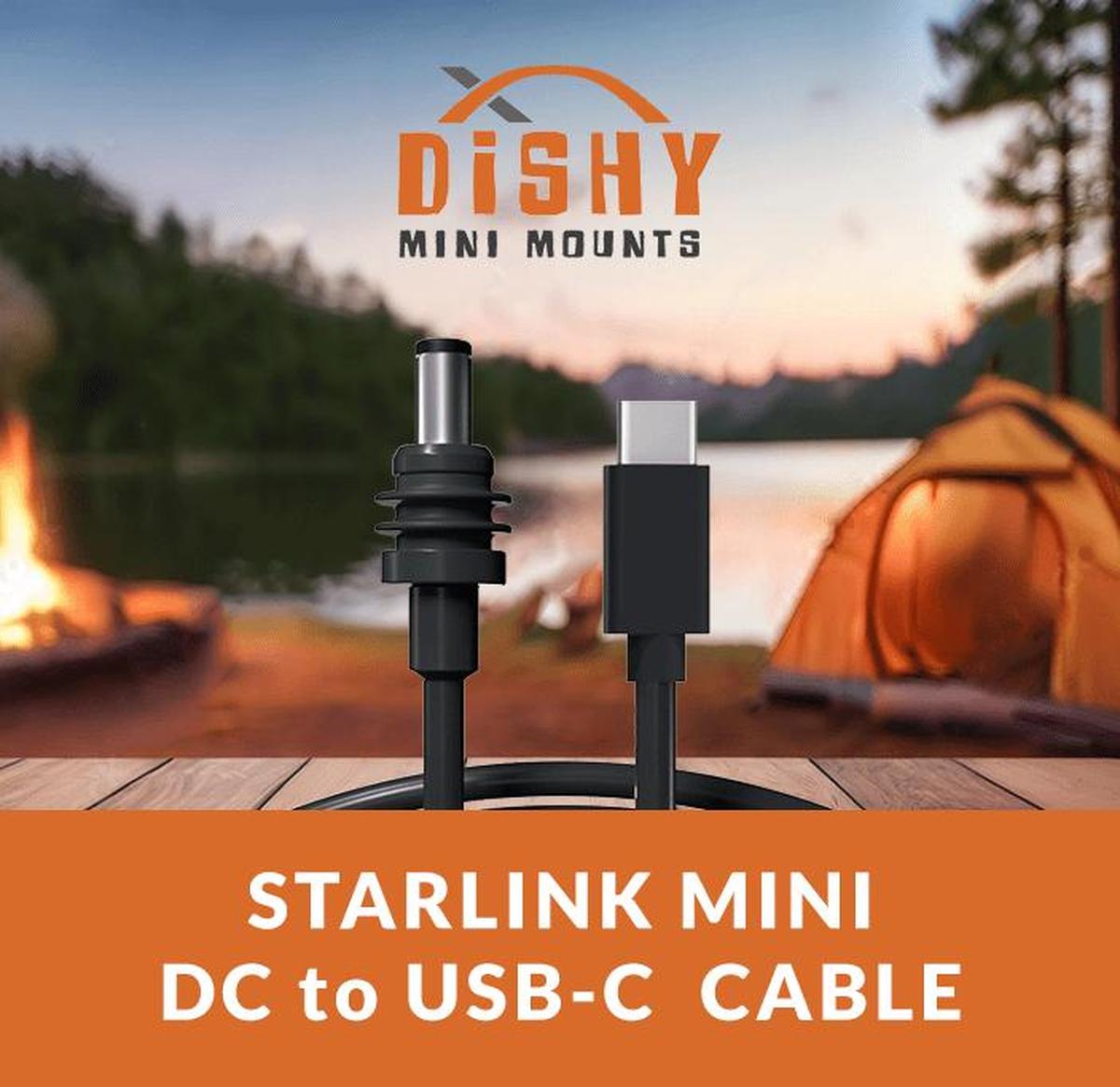
Starlink Mini USB-C Cable – 3M Power Cable
Couldn't load pickup availability
Got a question about this product? AI
Starlink Mini USB-C Cable – 3 Metre Power Delivery Cable
Connect your Starlink Mini to USB-C power banks and PD chargers
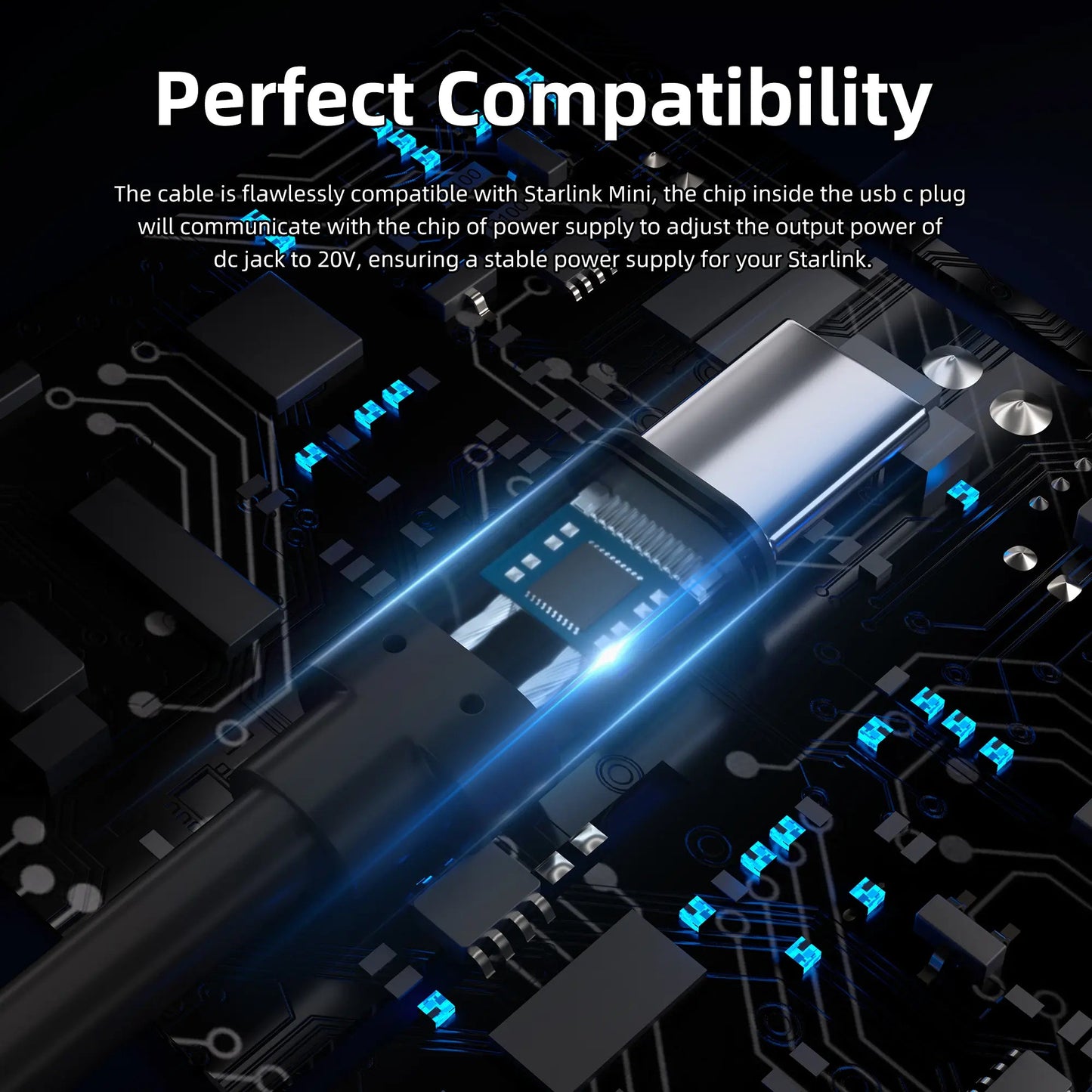
Power your Starlink Mini from any USB-C Power Delivery source with this premium 3-metre Starlink USB-C cable. Perfect for power banks, PD wall chargers, and portable power stations that support 20V/5A (100W) output.
Starlink USB-C Cable – Power Bank Ready
This purpose-built Starlink Mini USB-C cable includes a smart LED indicator that shows power status at a glance – so you know your dish is receiving sufficient power. Built from 18AWG copper wire with a waterproof DC connector, it maintains your Starlink Mini's IP67 rating.
Key Features:
✔️ 100W Power Delivery Support – Supports up to 100W (20V/5A) for reliable Starlink Mini operation.
✔️ Smart LED Indicator – Instant visual confirmation that your Starlink Mini is receiving power.
✔️ Waterproof DC Connector – Proprietary gasket maintains your dish's IP67 dust and water resistance.
✔️ Heavy-Duty 18AWG Wire – Premium copper construction for efficient power delivery.
✔️ 3-Metre Length – Flexible positioning for power bank and portable power station setups.
Specifications:
Length: 3 metres | Power: Up to 100W (20V/5A PD) | Wire Gauge: 18AWG | Connector: USB-C to DC (5.5 x 2.1mm)
Note: This Starlink USB-C cable does not regulate voltage. Ensure your USB-C power source meets the Starlink Mini's input requirements (20V minimum for stable operation).
Whether you're working the paddock, running a remote site, or heading bush for the weekend – this Starlink Mini USB-C cable keeps you connected where mobile drops out. Trusted by farmers, contractors, and remote workers across Australia.
Common Questions
Q: Will any USB-C power bank work with this cable?
A: You'll need a power bank that supports USB-C Power Delivery (PD) with at least 65W output at 20V. Not all power banks meet this requirement – check your device specifications.
Q: What does the LED indicator show?
A: The LED lights up when the cable is receiving adequate power from your USB-C source. If it's off or flickering, your power source may not be providing sufficient voltage.
Not sure which cable you need? Check out our Cable Selection Guide or download the Quick Reference PDF.